A new version of Landing Zone settings within AWS Control Tower was released on February 12th 2022. My current version is 2.7, so I’m going to upgrade.
In the Control Tower console, under ‘Landing Zone Settings’ I see the following:
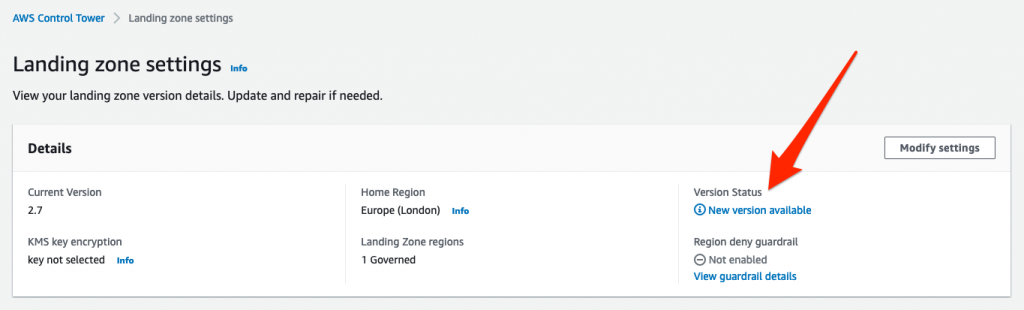
Clicking the ‘New version available’ link takes me to the following:
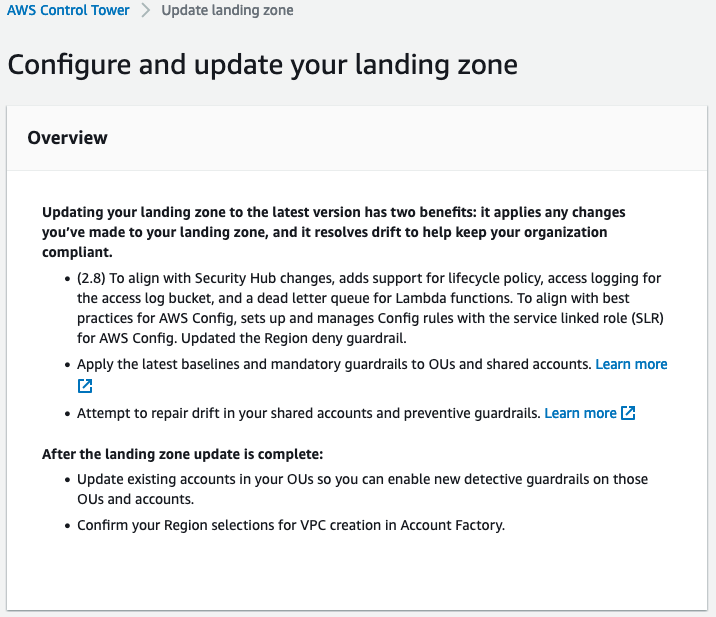
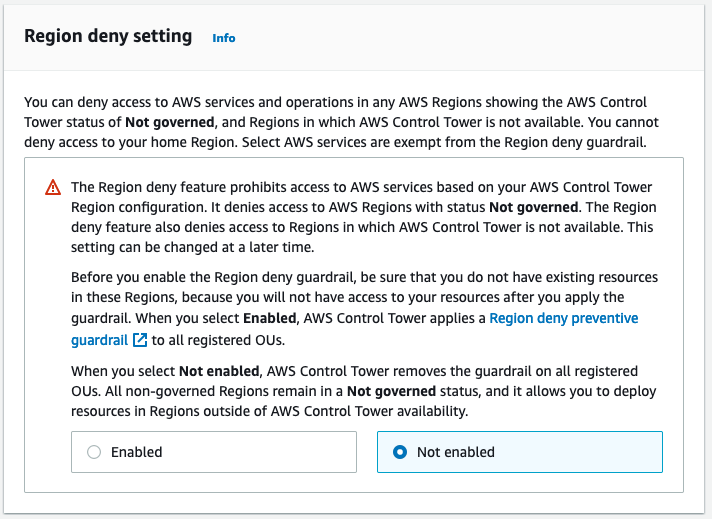
I’m not using Region deny at the moment via Control Tower as I’ve got SCPs in place that do the same thing (although it’s great that Control Tower can do this as hopefully it resolves those global services that are in us-east-1 for management being denied such as IAM, Organizations, Route 53, WAF, CloudFront etc.).
I’m only governing eu-west-2 right now.
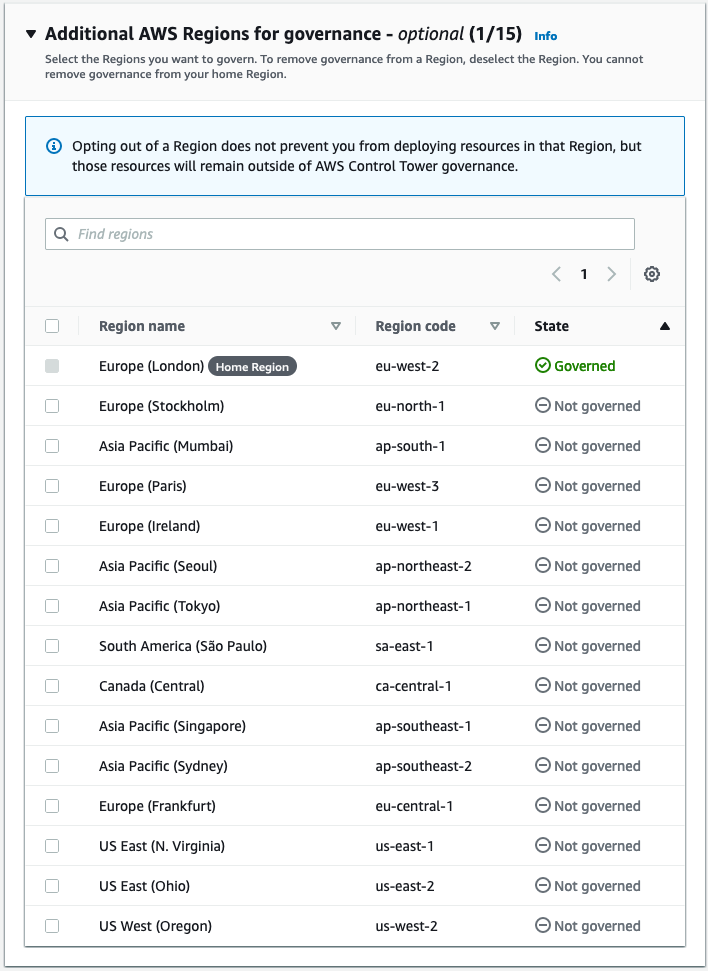
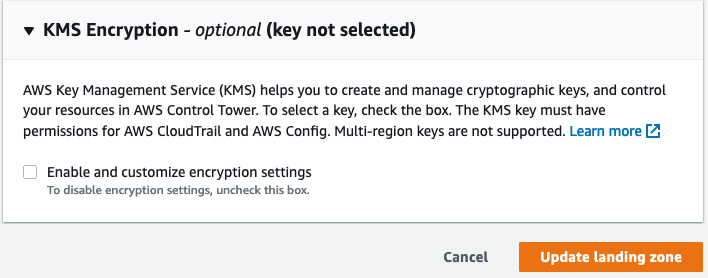
Clicking ‘Update landing zone’ takes me to this screen, and the Landing Zone update takes about an hour…
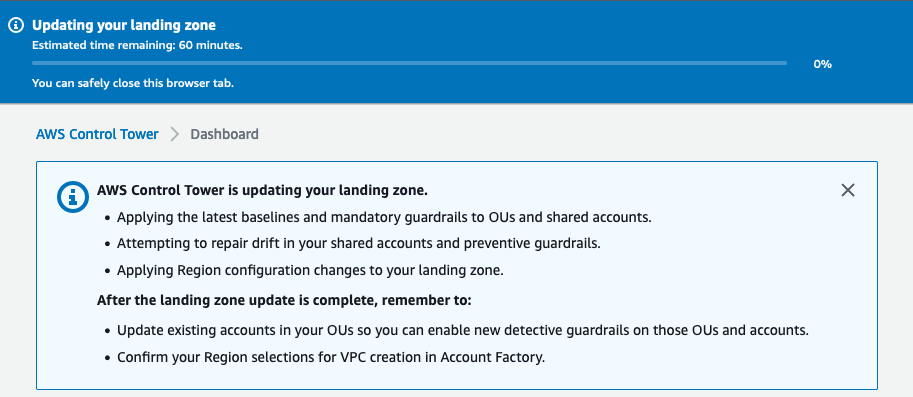
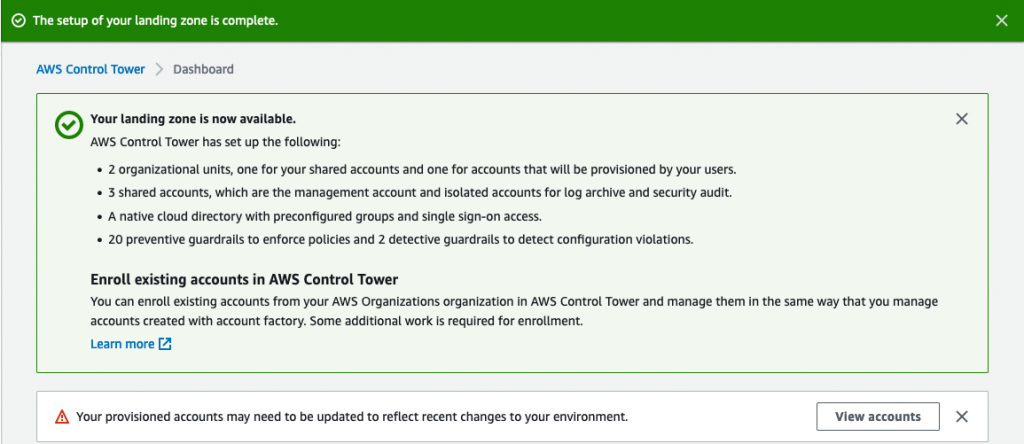
Some of the accounts need to be updated (see the above screenshot saying ‘Your provisioned accounts may need to be updated to reflect recent changes to your environment.’. Clicking the ‘View Accounts’ button shows this:
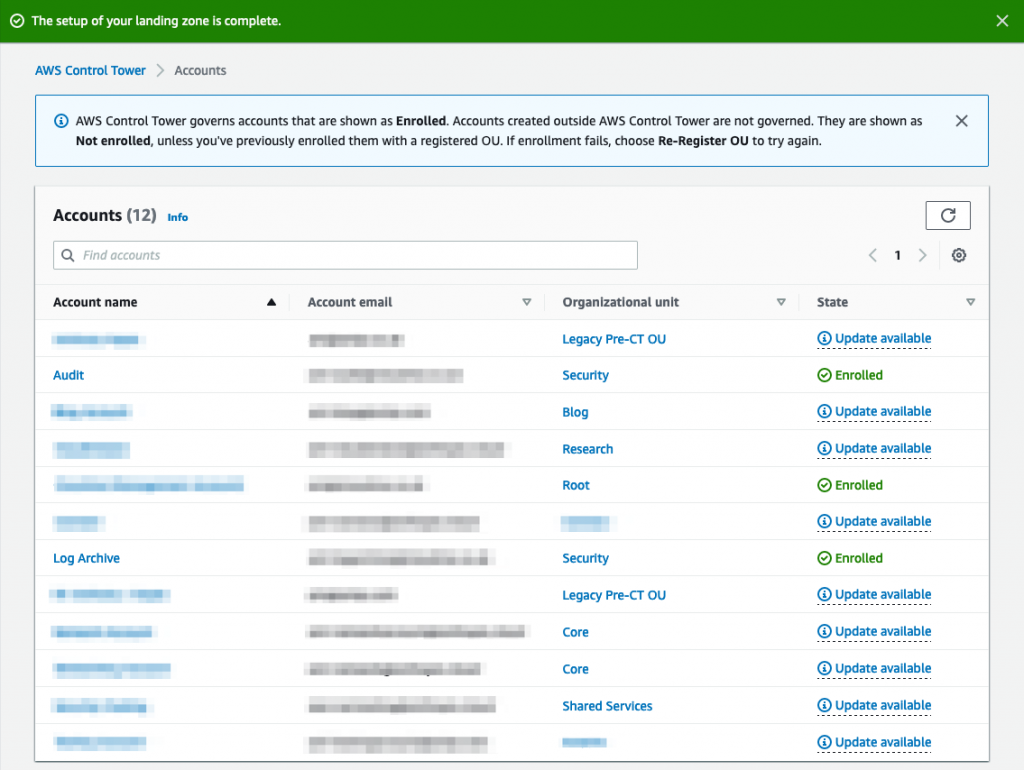
Clicking the ‘Update available’ link shows the following pop-up:
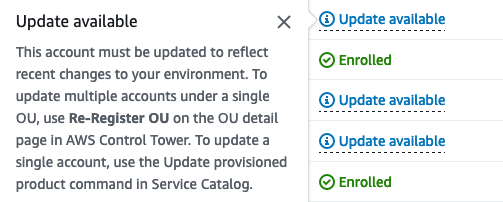
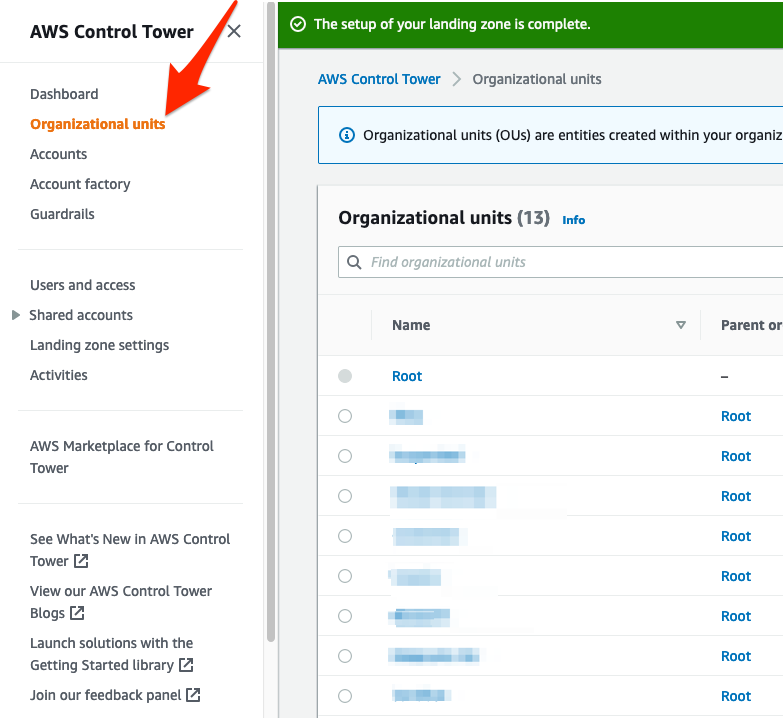
To re-register at the OU level (accounts within the OU will be re-registered) is quite straightforward. Click on ‘Organizations Units’ on the left menu:
Click on the radio-button of the OU that has accounts contained within it that need to be re-registered, and click the ‘Re-register’ button:
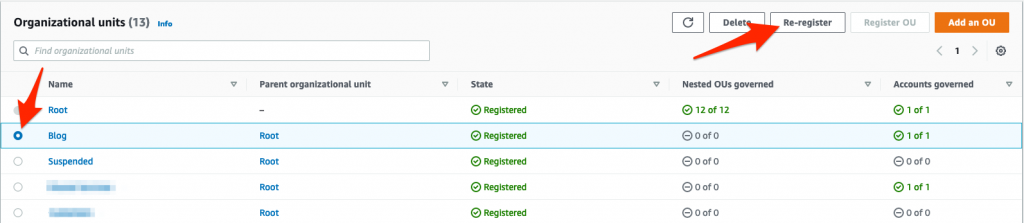
Once the check-box has been ticked to accept the terms and conditions the OU will be re-registered.