I’ve been having a look at Amazon Connect recently and decided to document the initial setup process.
I’ve created a brand new Connect OU and Connect AWS Account inside my Control Tower environment, and then logged in and navigated to Amazon Connect in the AWS console:
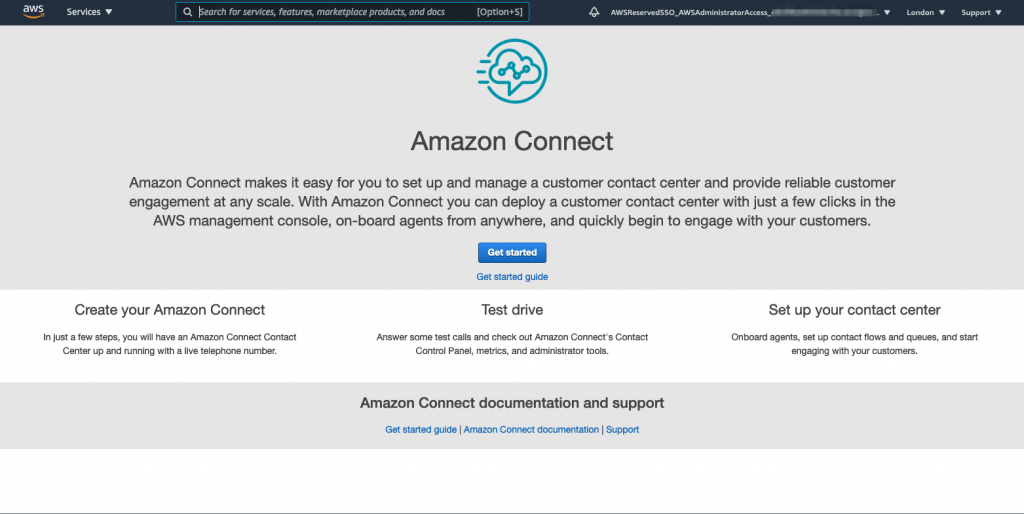
Clicking the ‘Get Started’ button presents the following options:
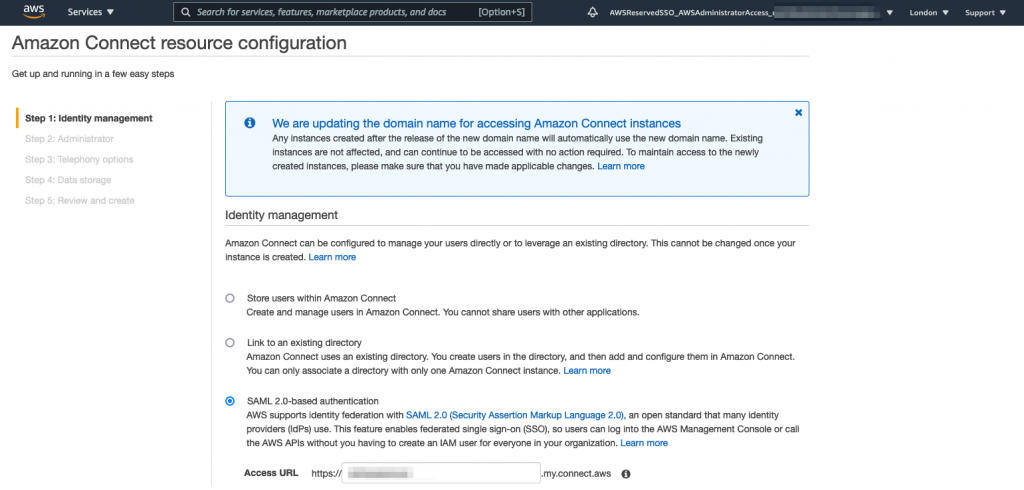
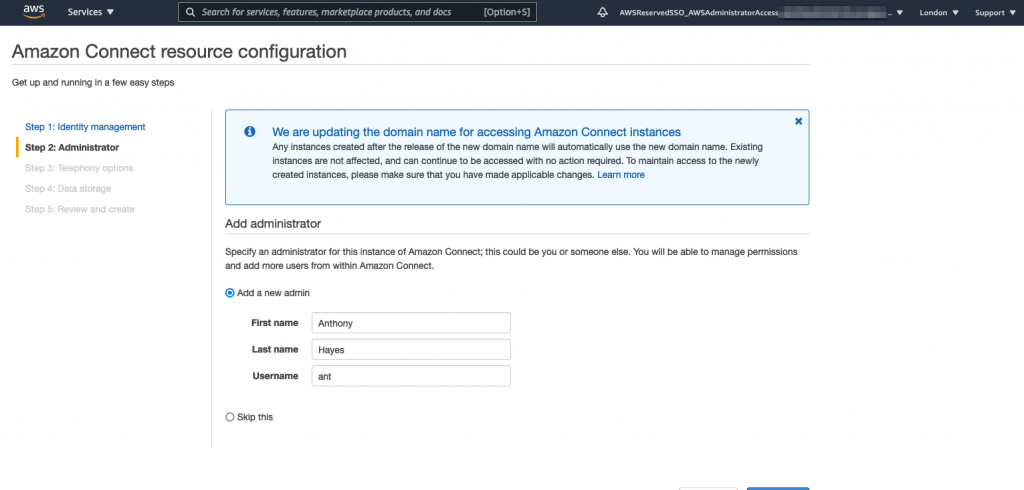
I’m going to use SAML 2.0 based authentication for my Connect instance, so I select that radio button and then ‘Next Step’, where I’m prompted for details to add an Administrator user:
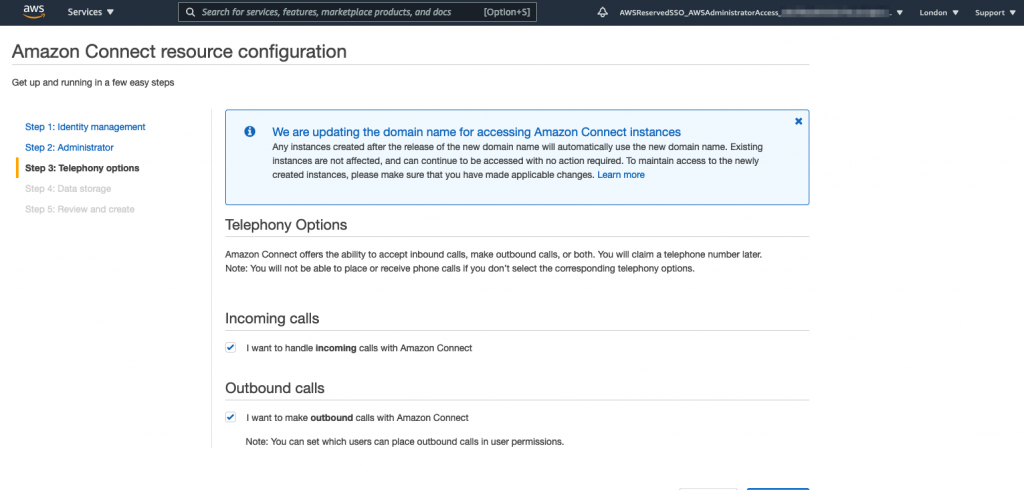
Now I need to decide if my Connect instance is going to handle incoming calls, outgoing calls or both, I’m going to select both:
I then need to specify an S3 bucket for data storage and a CloudWatch log location:
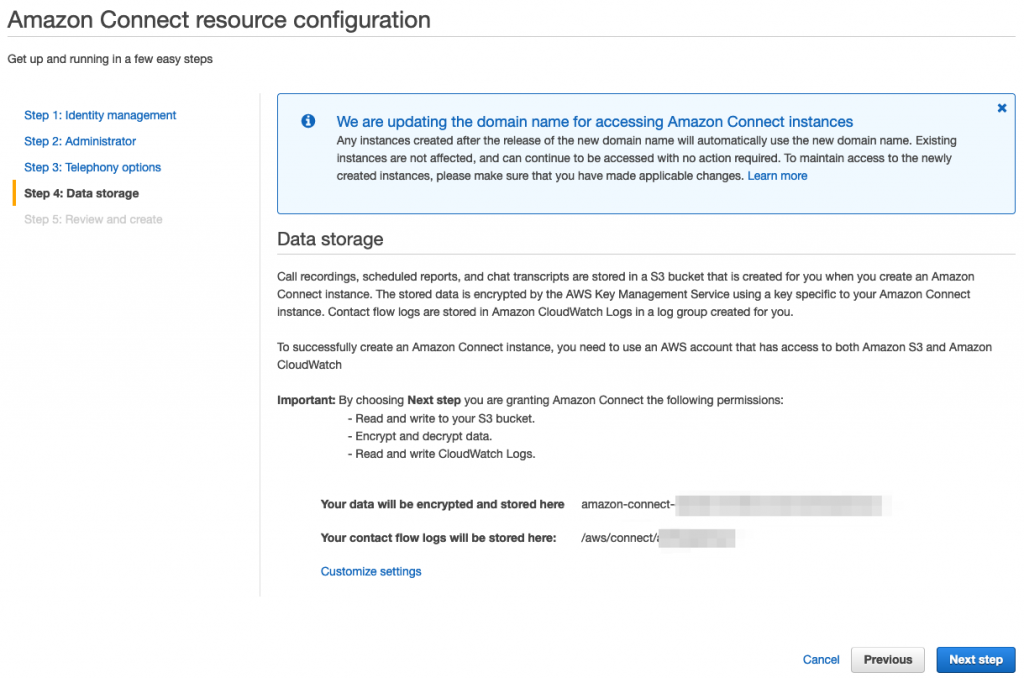
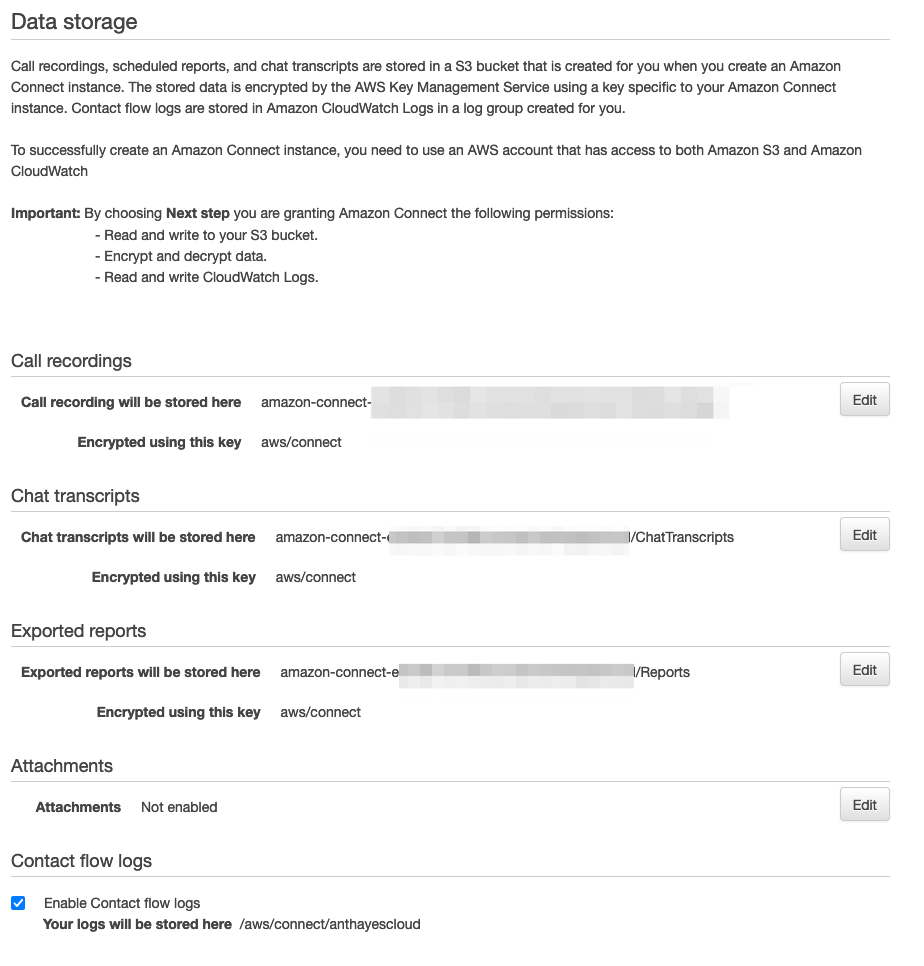
Clicking ‘Customize’ gives the following options for amending encryption bucket end encryption settings:
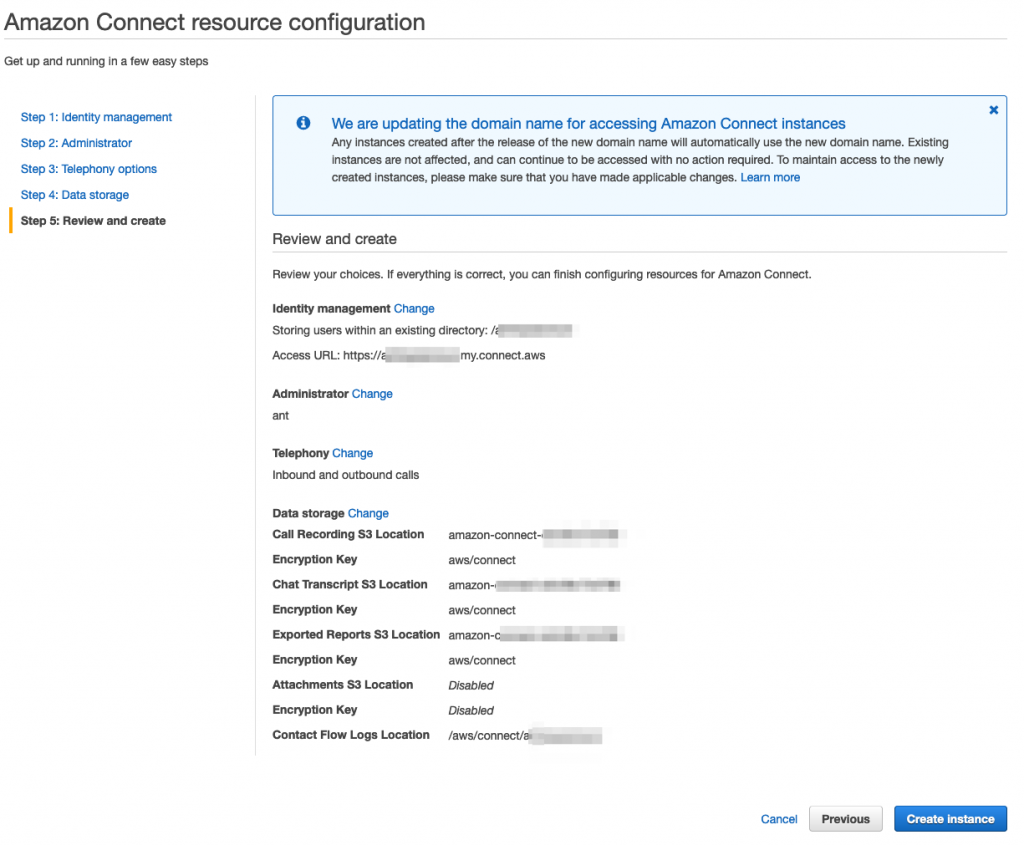
Finally I’m asked to confirm the settings:
And now my Connect instance is being created:
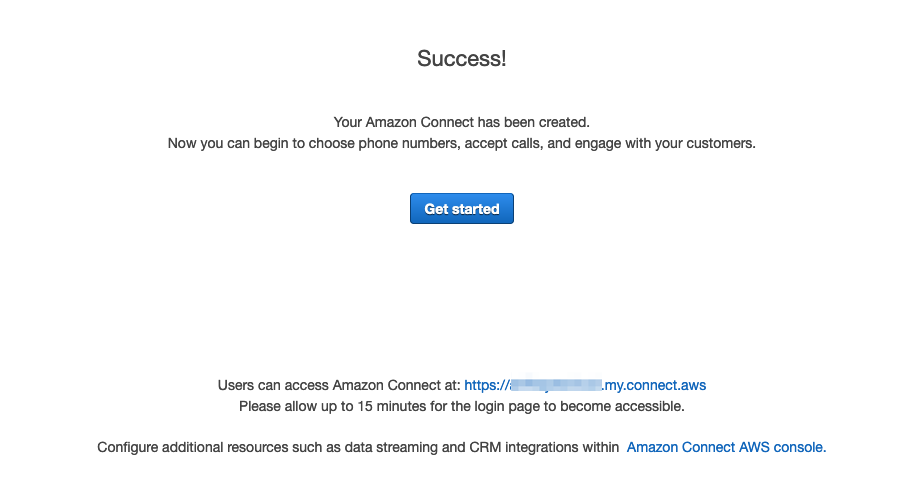
and when completed the console displays the following:
Future planned posts will cover SSO integration with Connect and setting up some simple flows.