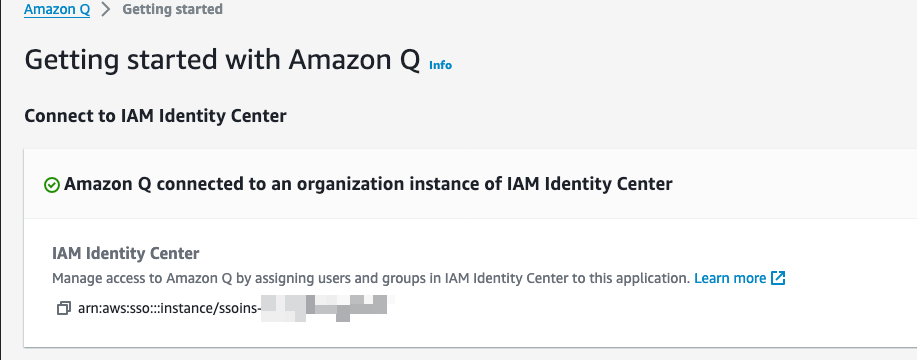
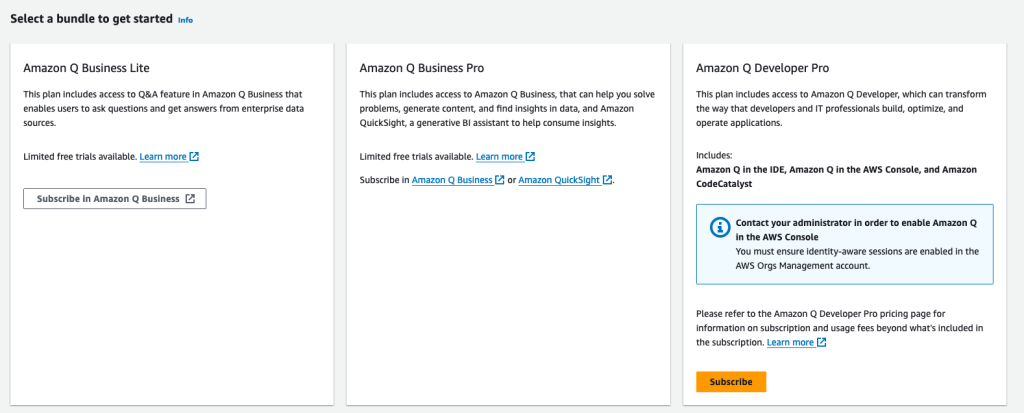
AWS has recently enabled cross-region access for IAM Identity Center for Amazon Q Business –
This means if, like me, your IAM Identity Center is configured for a different region than Q Business is available in (at the time of writing us-east-1 and us-west-2), that you don’t have to create another account instance of IAM Identity Center as previously.
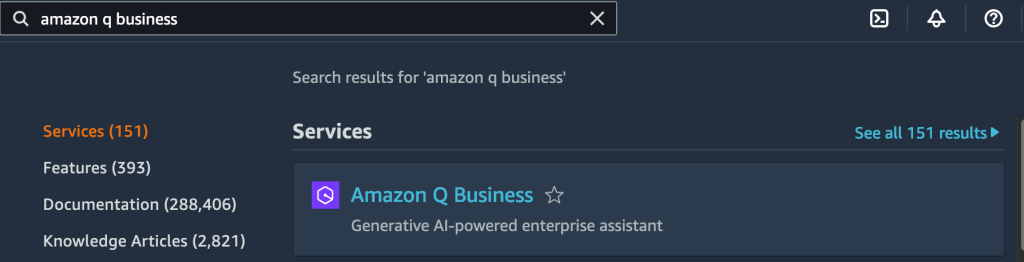
To set this up using the AWS console (ClickOps), navigate to Amazon Q Business:
and click ‘Get Started’:

Click ‘Create application’:

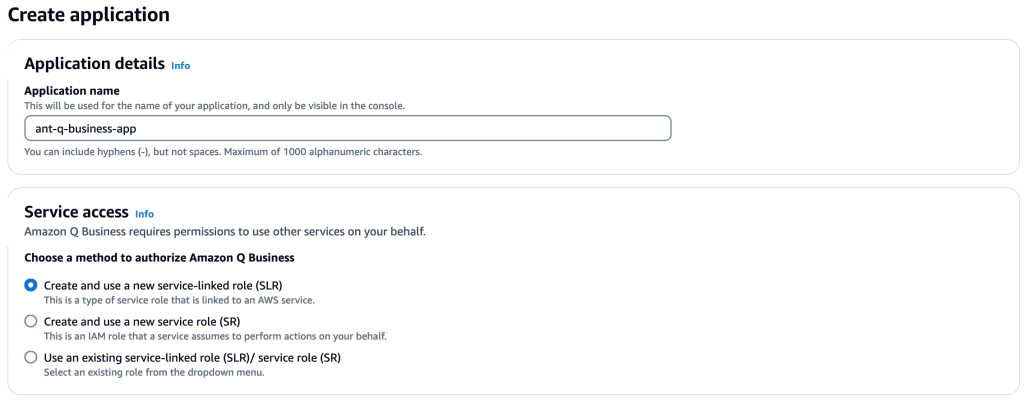
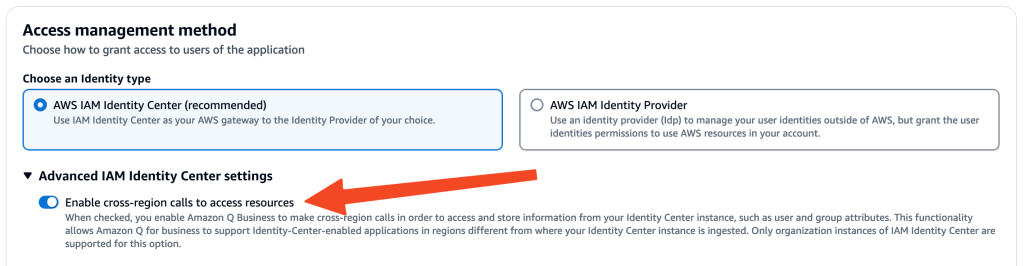
Here is where you enable Cross-region IAC access:

then click ‘Create’:


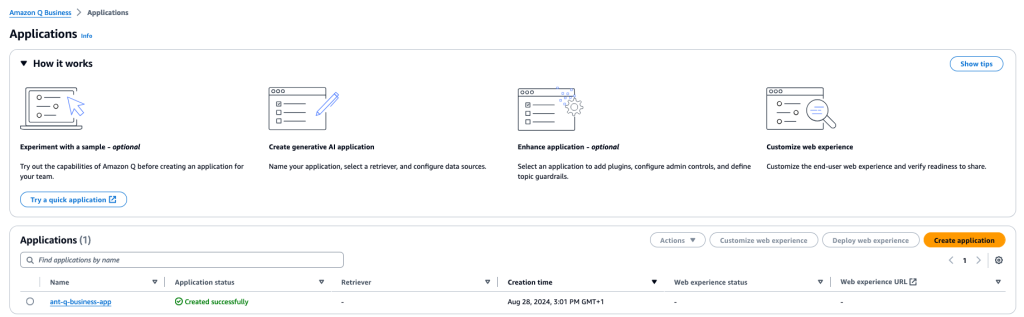
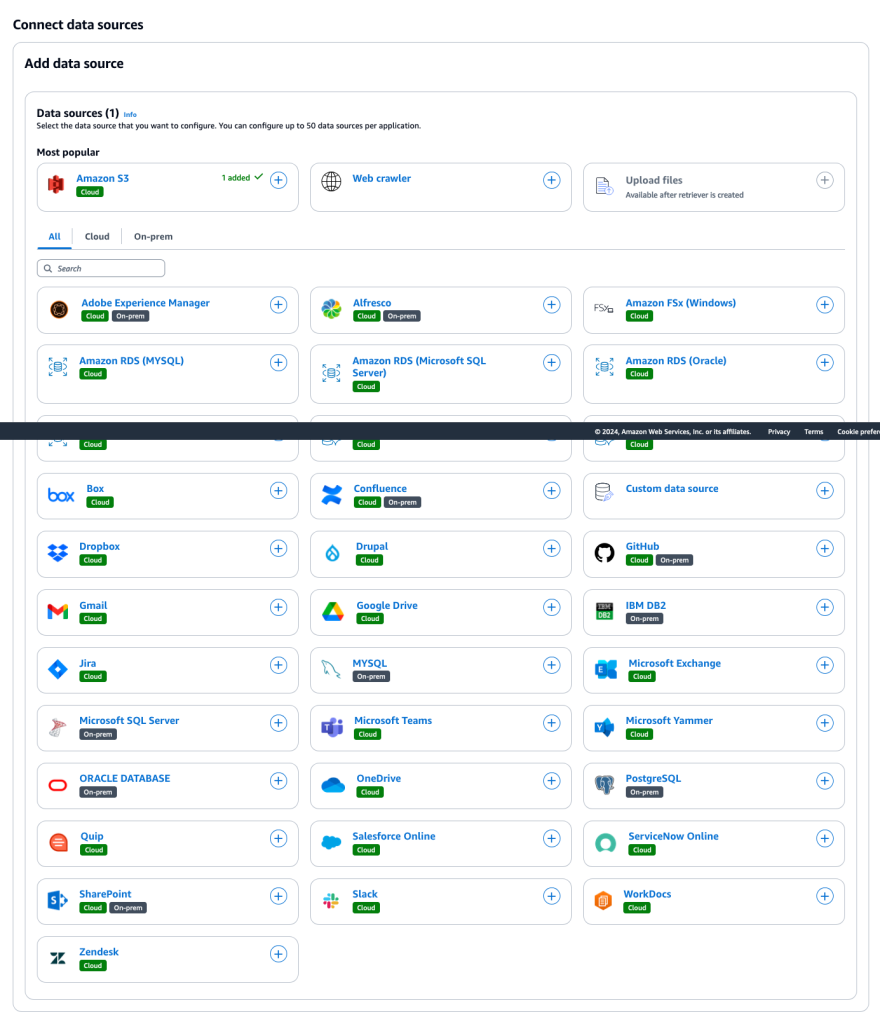
Now add the data sources to be indexed for RAG (Retrieval Augmented Generation):